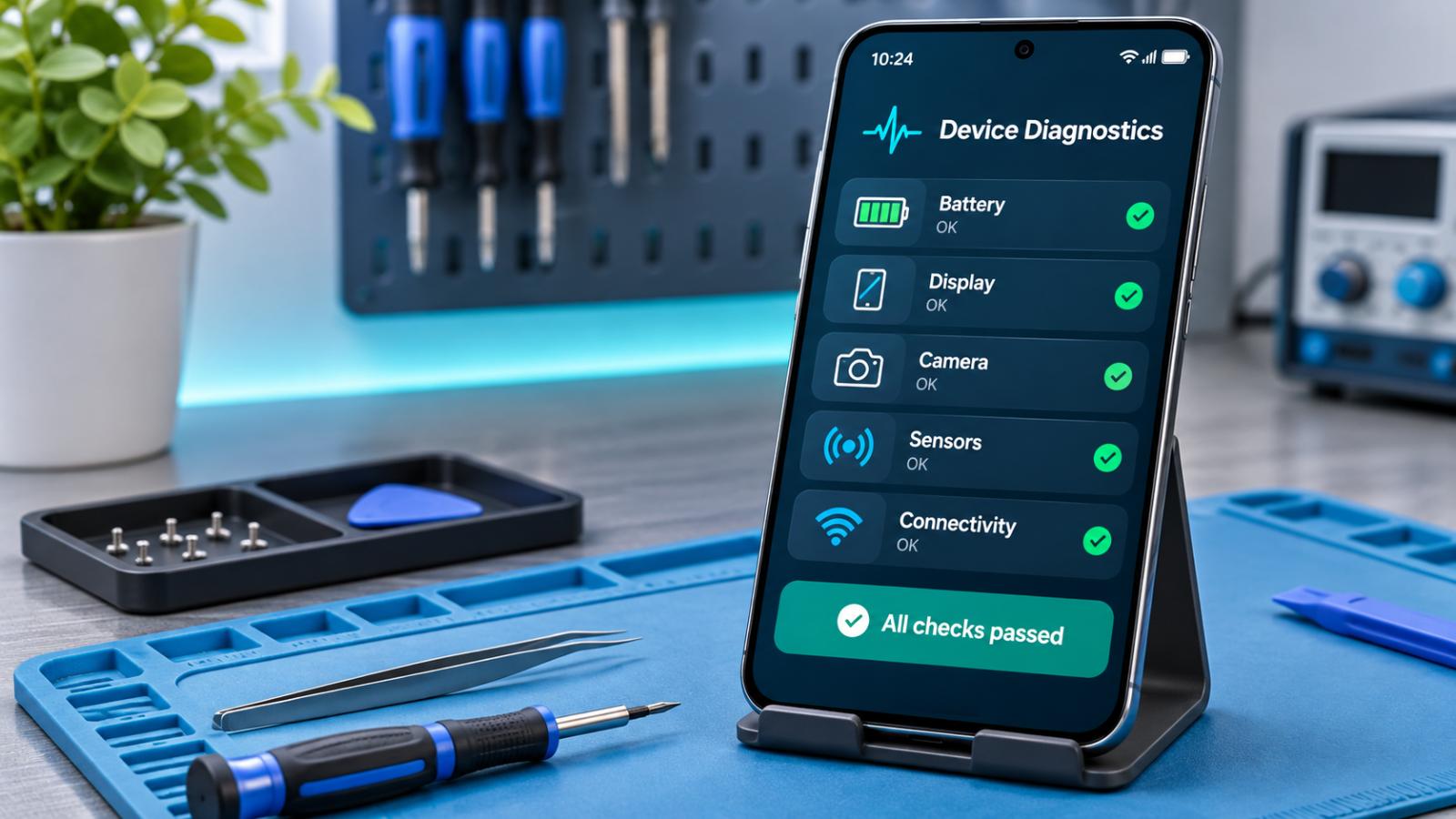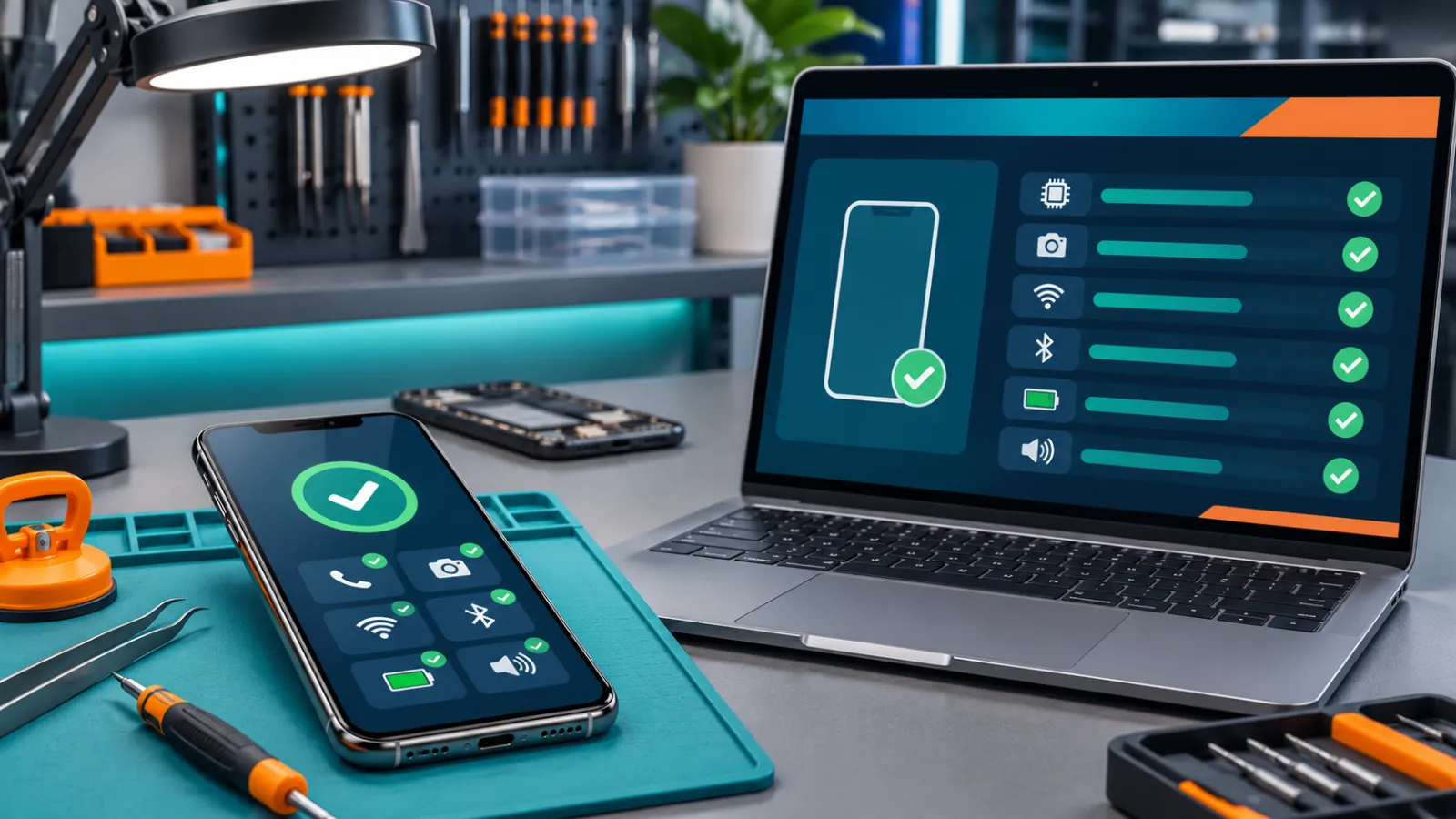
When a repair business grows beyond one counter, the hardest part is often consistency. One location may record every device check, while another relies on memory and a quick power-on test. A shared process makes results easier to trust, compare, and explain.
Phone diagnostics software gives multi-location repair teams a repeatable way to test smartphones, capture evidence, and keep every technician working from the same baseline. The goal is not to replace technician judgment. It is to make the routine checks dependable at intake, after repair, and before a customer handoff.
Why Phone diagnostics software helps growing repair teams
Different stores often develop different habits. A technician may check the screen and charging port at one location, while another also verifies sensors, biometrics, connectivity, and cameras. Those differences create avoidable problems: incomplete intake notes, inconsistent repair estimates, unclear handoffs, and returns caused by a fault that was never recorded.
Phone diagnostics software gives a shared diagnostic workflow and a common language. Every team member knows which components to check, what a pass or fail means, and when a result needs a manual inspection. Managers can compare reports across locations without translating different spreadsheets or handwritten notes.
1. Define a common intake baseline
Start with a short baseline that every device receives before a repair begins. Record the device model, serial or IMEI information when appropriate, visible condition, customer-reported symptom, battery level, and any immediate safety concern. Then run the same core diagnostic sequence for every supported phone.
The baseline should be practical enough for a busy counter. If it takes too long, staff will skip steps during peak hours. If it is too brief, the business loses the information needed to explain a repair decision. A guided checklist helps teams find the right balance.
2. Test the components that change a repair decision
Not every test has the same business value. Prioritize checks that affect parts selection, labor time, customer communication, or resale value. A well-designed sequence can include:
- Display and touch: Check LCD or OLED output, brightness, dead pixels, color uniformity, edge response, and multi-touch behavior.
- Battery and charging: Review battery condition, power stability, charging behavior, and unusual drain. Pair the software result with a physical inspection of the port.
- Cameras and audio: Test front and rear cameras, focus, flash, microphones, speaker output, and the earpiece separately.
- Connectivity: Verify Wi-Fi discovery, Bluetooth pairing, NFC where supported, cellular registration, and SIM or eSIM recognition.
- Sensors and controls: Check the accelerometer, gyroscope, proximity sensor, ambient light sensor, vibration, power button, volume buttons, and other supported controls.
- Biometrics: Confirm fingerprint or Face ID behavior when the device allows secure testing, especially after a screen or camera repair.
Phone Clinix is designed around this type of broad coverage. Its feature set includes Wi-Fi, Bluetooth, Face ID, cameras, sensors, buttons, LCD, vibration, gyroscope, speakers, microphones, and NFC. Review the Phone Clinix diagnostic feature list and match the available checks to the devices your team handles.
3. Turn every result into an actionable report
A report should answer three questions: what was tested, what happened, and what should happen next. “Failed” alone is not always enough. Staff may need to note whether a camera failed to focus, whether charging was intermittent, or whether a sensor was unavailable on that model.
Use clear statuses such as passed, failed, unsupported, and needs manual review. Add a short note for anything that requires physical inspection. A consistent report helps intake staff explain an estimate, helps technicians see the original condition, and gives the customer a record of what was checked.
Automated reports and labels can also reduce duplicate data entry. Instead of rewriting the same result on a job card, a team can attach the diagnostic record to the device or print a label that follows it through the workflow.
4. Compare intake and post-repair results with Phone diagnostics software
Testing once is useful; testing before and after service is much more valuable. The intake report establishes the starting point. The post-repair report confirms that the original issue was addressed and that a new problem was not introduced during service.
For example, a screen replacement should be followed by display, touch, brightness, proximity, camera, and biometric checks where applicable. A charging repair should include battery behavior, port stability, power draw, and a final charging test. The exact sequence depends on the work performed, but the principle is the same: retest the components connected to the repair.
5. Use batch testing without losing traceability
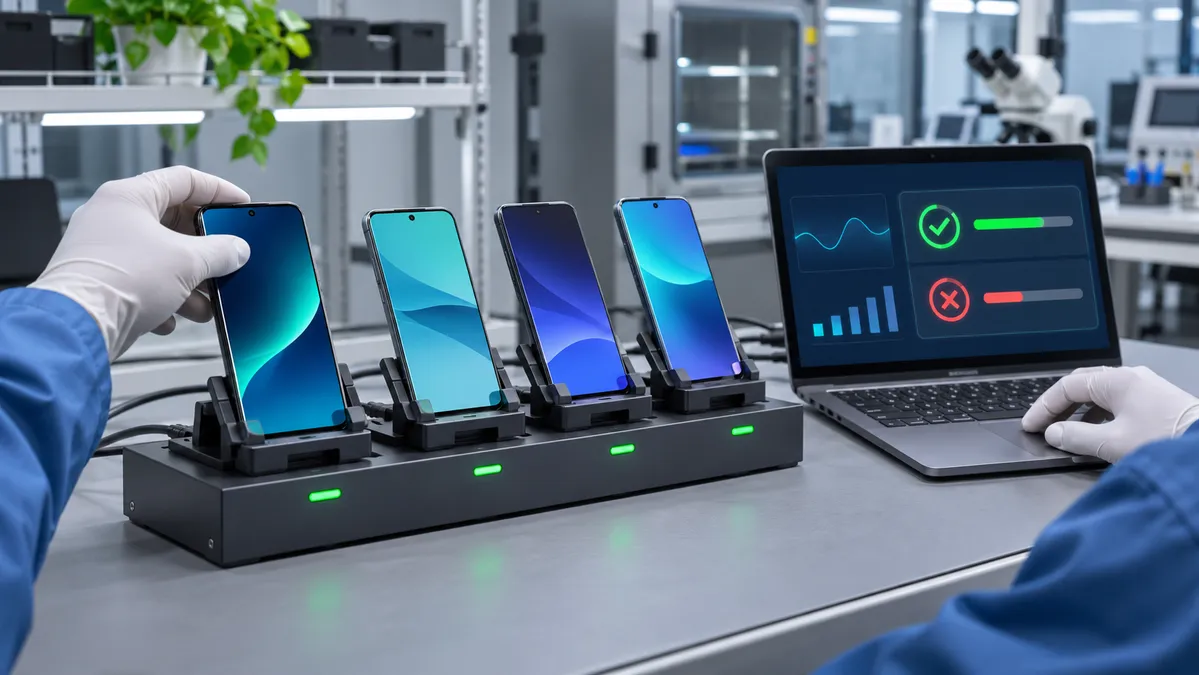
High-volume locations need speed, but speed should not remove accountability. Batch testing can help a team move through several devices quickly, provided every result remains connected to the correct phone, work order, or resale record.
Give each device a unique identifier before testing begins. Keep the operator, location, date, and status visible in the report. If a result needs manual review, route it to the right technician instead of leaving it in an unowned queue. A faster workflow is only useful when the team can still explain which device produced which result.
6. Protect customer data during diagnostics
Diagnostics and data handling should be treated as separate responsibilities. A test report can show device health without exposing personal messages, photos, or account credentials. Staff should follow the business’s permission, backup, reset, and secure-erasure procedures before a device changes hands.
Before resale or return, confirm ownership status, activation requirements, screen-lock instructions, and the appropriate reset process. Diagnostic software can support readiness checks, but it should not be treated as a replacement for a documented data-protection policy.
7. Train technicians on decisions, not just buttons
Consistent software results still require trained people. Teach staff what each test measures, what can cause a false failure, and when to escalate. For example, a weak connection may be caused by debris or physical damage rather than a defective mainboard. A missing sensor may be unsupported on a model rather than broken.
Create a simple escalation guide for common outcomes. A failed test should lead to a next step: clean and retest, inspect the part, compare with a known-good component, document the limitation, or recommend repair. This keeps the diagnostic workflow connected to real service decisions.
Metrics that show whether Phone diagnostics software is working
Multi-location teams can improve their process by tracking a small set of useful metrics:
- Average time from intake to completed baseline test.
- Percentage of devices with a complete report before repair.
- Repeat-failure rate after a device is marked complete.
- Returns linked to a missed or undocumented issue.
- Average time required for a post-repair verification.
- Differences in test completion between locations or shifts.
These numbers help managers find training gaps and process bottlenecks. They also show whether a new workflow is actually reducing rework instead of simply adding more screens for staff to click.
How Phone Clinix fits a multi-location workflow
Phone diagnostics software works best when it supports the way a team already operates. Phone Clinix combines broad component coverage with a user-friendly interface, batch testing, automated reports, and labels. It supports Android and iOS devices and is built for repair shops, refurbishers, retailers, and quality teams.
That makes it useful as a shared baseline across locations: define the core sequence, train each team on the same interpretation, and use the same report structure for intake and final verification. When a device needs deeper investigation, the technician can add physical observations and service notes without losing the original diagnostic record.
Frequently asked questions
Can one diagnostic process work for every phone model?
The core sequence can be shared, but the available tests will vary by model. Mark unsupported components clearly and keep manual inspection steps for features that software cannot measure.
Should diagnostics happen before or after repair?
Both. Run a baseline test before service and repeat the relevant checks after repair. Comparing the two reports gives the clearest evidence of what changed.
Does software remove the need for a technician?
No. It standardizes repeatable checks and documents results. A qualified technician still needs to inspect physical condition, investigate unusual symptoms, and make repair and safety decisions.
For platform-specific support outside the diagnostic workflow, consult Apple Support and Android Help.
Final takeaway
Growth exposes inconsistency. A phone that passes one store’s quick check may receive a different assessment at another location. A shared workflow, clear reporting, and trained interpretation give every team a stronger starting point.
Use Phone diagnostics software to standardize routine tests, compare intake and post-repair results, and give customers a clearer explanation of device condition. Then pair the report with careful physical inspection and professional judgment.