When a phone arrives at a repair counter, trade-in desk, or quality-control station, the first decision is often made under time pressure: is the device ready for the next step, or does it need deeper investigation? Phone diagnostics software gives teams a repeatable way to answer that question, while manual testing depends on memory, checklists, and separate tools.
Manual checks still have a place. A technician should always look at the frame, glass, ports, liquid indicators, and other physical details. The problem starts when a busy team relies on a quick visual inspection and a few taps to judge the entire device. A structured digital workflow can uncover faults that are easy to miss and preserve evidence for the customer or the next technician.
What manual phone testing usually involves
Manual testing can be as simple as opening the camera, connecting to Wi-Fi, playing a sound, and checking whether the screen responds. Some teams use a paper checklist or a spreadsheet to record the results. This approach is inexpensive to start, and an experienced technician can move quickly when the device is familiar.
However, manual testing often changes from person to person. One technician may test both cameras while another checks only the rear camera. A rushed intake may skip sensors, NFC, GPS, or individual microphones. Results can also be written in different formats, making it harder to compare two phones or explain a return.
How phone diagnostics software changes the workflow
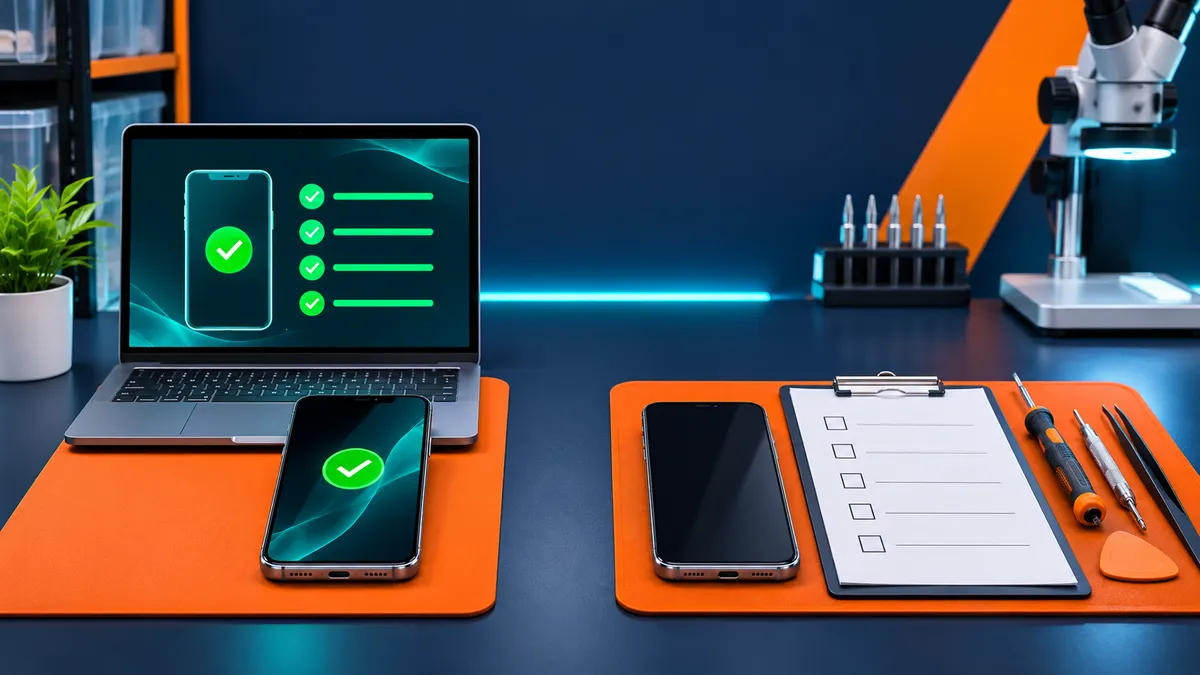
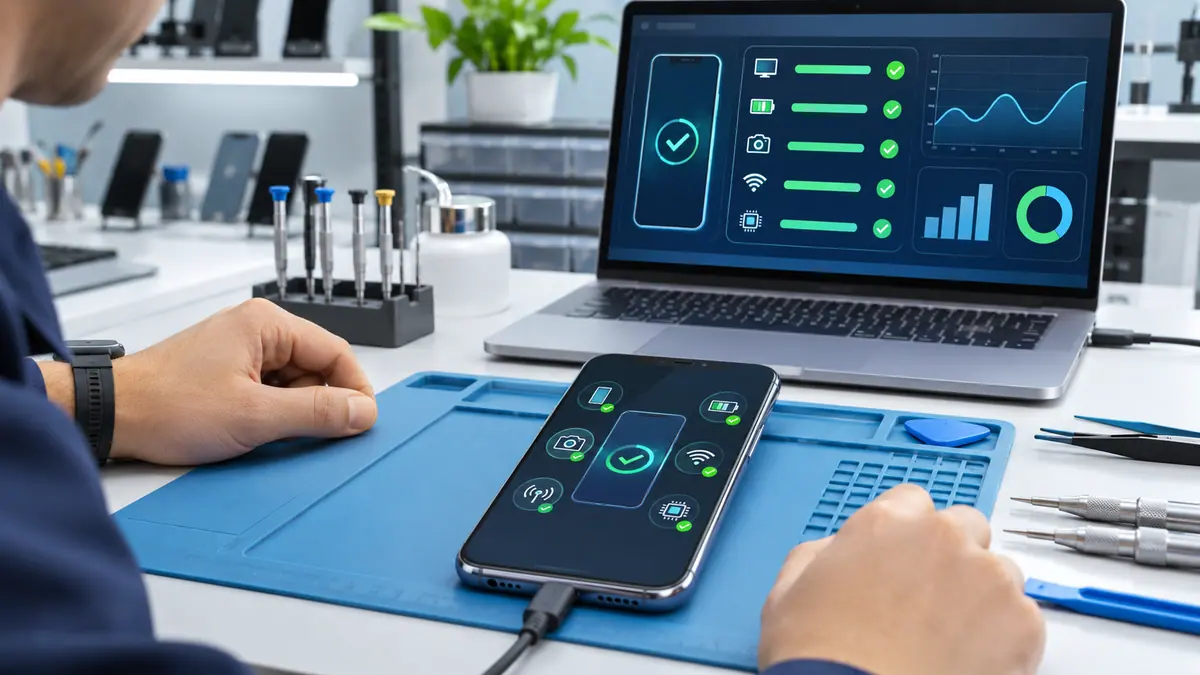
Diagnostics software turns a long list of individual checks into a guided process. Instead of remembering every test, the operator works through a consistent sequence and records the result in one place. The software can help identify which components were tested, which ones passed, and which ones need attention.
This consistency matters most when a business handles volume. Repair shops, retailers, refurbishers, and QA teams need a repeatable baseline for every device, not just the phones that look difficult. A digital record also makes the handoff clearer: a technician can see what was already checked before opening the device or replacing a part.
Phone diagnostics software vs. manual testing: key differences
Coverage and repeatability
Manual testing is flexible, but its coverage depends on the operator. A guided workflow makes it easier to include connectivity, display, camera, button, sensor, audio, and biometric checks on every compatible device. Phone Clinix supports a broad set of tests, including Wi-Fi, Bluetooth, proximity, LCD glass, brightness, pixels, touch, front and rear cameras, buttons, vibration, Face ID, gyroscope, speakers, microphones, NFC, and GPS. The full Phone Clinix diagnostic feature list shows the available checks.
Speed at the intake desk
Manual testing can feel fast when only one phone needs attention. At a busy counter, the repeated app switching and note-taking add up. A software-led workflow reduces context switching by bringing tests and results together. Teams can then reserve hands-on troubleshooting for devices that produce an unexpected result.
Evidence and customer communication
A verbal “everything looks fine” is difficult to verify later. A saved diagnostic record gives the business a clearer way to explain a repair recommendation, trade-in decision, or pre-sale condition. It also helps staff compare the device before and after a repair. When a customer questions a result, the conversation can focus on the recorded test rather than on memory.
Scaling to multiple devices
Manual checks become harder to coordinate when several phones arrive together. Different operators may work at different speeds or use different standards. Batch testing and automated reports help high-volume teams keep the process organized, reduce duplicate work, and create labels or records that follow each device through the operation.
When manual testing is still essential
Software should support technician judgment, not replace it. A phone can pass a digital test and still have cosmetic damage, a loose component, a bent frame, water exposure, or a repair history that needs investigation. The operator should inspect the exterior, confirm the device identity, review the customer’s complaint, and follow safe handling procedures for damaged or swollen batteries.
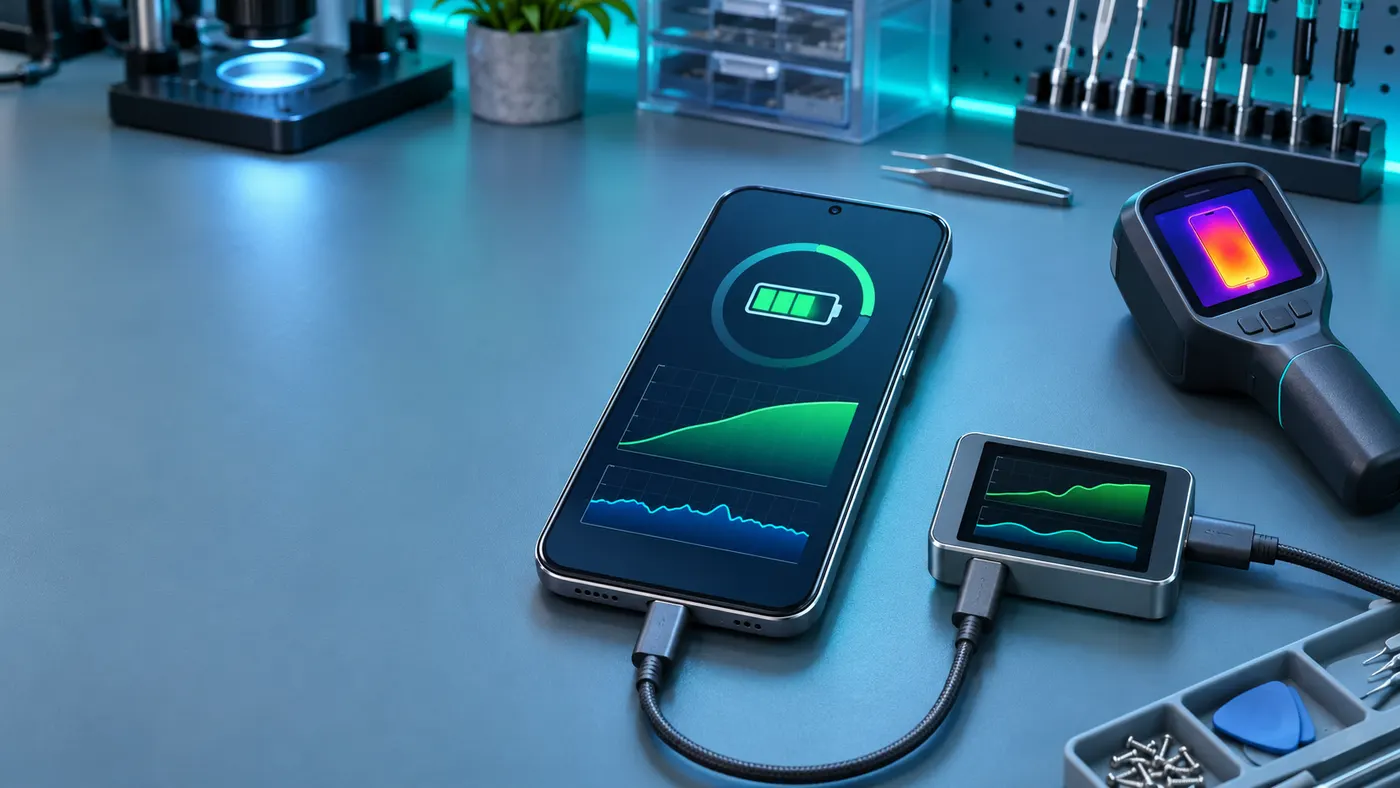
Manual observation is also valuable when a symptom is intermittent. If a device fails only after warming up, moving, charging, or connecting to a particular accessory, the technician may need to reproduce the condition with a focused test. The best workflow combines automated coverage with careful follow-up.
A practical hybrid workflow for repair teams
- Confirm the intake details. Record the device model, serial or IMEI information when appropriate, visible condition, accessories, and the customer’s reported issue.
- Run a consistent software test. Use the same starting sequence for every device so that important components are not skipped during a busy shift.
- Review exceptions. Separate a failed test from an unavailable permission, an unsupported feature, or a result that needs to be repeated under controlled conditions.
- Perform the physical inspection. Check the frame, screen, ports, buttons, cameras, signs of liquid, and any safety concern that software cannot judge.
- Document the decision. Save the report, note the recommended repair or resale condition, and explain any limitations in the test environment.
- Retest after service. Repeat the relevant checks after repair or replacement and compare the new results with the intake record.
Which approach is right for your business?
Manual testing may be enough for occasional troubleshooting, especially when one skilled technician handles a small number of devices. As volume grows, the cost of missed faults and inconsistent notes grows with it. Shops that process repairs, trade-ins, resale inventory, or QA batches usually benefit from a repeatable digital baseline.
The strongest choice is rarely software or manual testing alone. Use diagnostics software for broad, consistent coverage and reporting, then use technician judgment for physical condition, unusual symptoms, and safety decisions. That balance helps teams work faster without treating a score as the whole story.
Final takeaway
Manual phone testing is familiar, but it can be inconsistent and difficult to audit. Phone diagnostics software makes the routine checks easier to repeat, compare, and document across Android and iOS devices. When the digital workflow is paired with a careful physical inspection, repair teams can find hidden issues sooner, communicate more clearly, and build a more dependable quality-control process.